Why 'regenerate' is the wrong default
Think about the last time you got an almost-perfect AI image and the only thing wrong was the shirt color or the background. On most AI image products you hit regenerate, get back something totally different, and lose the 95% you liked. Then you regenerate again. And again. Three gens later you're further from what you wanted than when you started.
The problem is the model treats every request as fresh. There's no concept of "keep what's there, change this one thing." You're playing slot-machine with the whole composition.
How edit-a-photo works on Sloane
Any photo in your thread with a Sloane girl — a template generation, a date-skill shot, an invite-a-friend two-shot, whatever — can be edited. You tell her what you want changed, in plain language, like you'd describe it to someone editing the photo in Lightroom: "side view instead of front", "make the coat navy", "take out the guy in the background", "put her in flats instead of heels". She applies just those changes to the existing image.
Your face, your lighting, the rest of your composition — untouched unless you asked.
Real example — side view, camel coat, Dunkin coffee


She sent the first photo below — walking down a leaf-covered sidewalk, burnt-orange coat, Starbucks cup. The edit instruction was: "viewed from the side, and her jacket is camel color instead. instead of starbucks she has dunkin donuts coffee." Three changes stacked into one instruction.
All three landed cleanly — side profile, camel coat, Dunkin cup. Nothing else moved. Same face, same hair, same street, same boots, same bag, same autumn light.
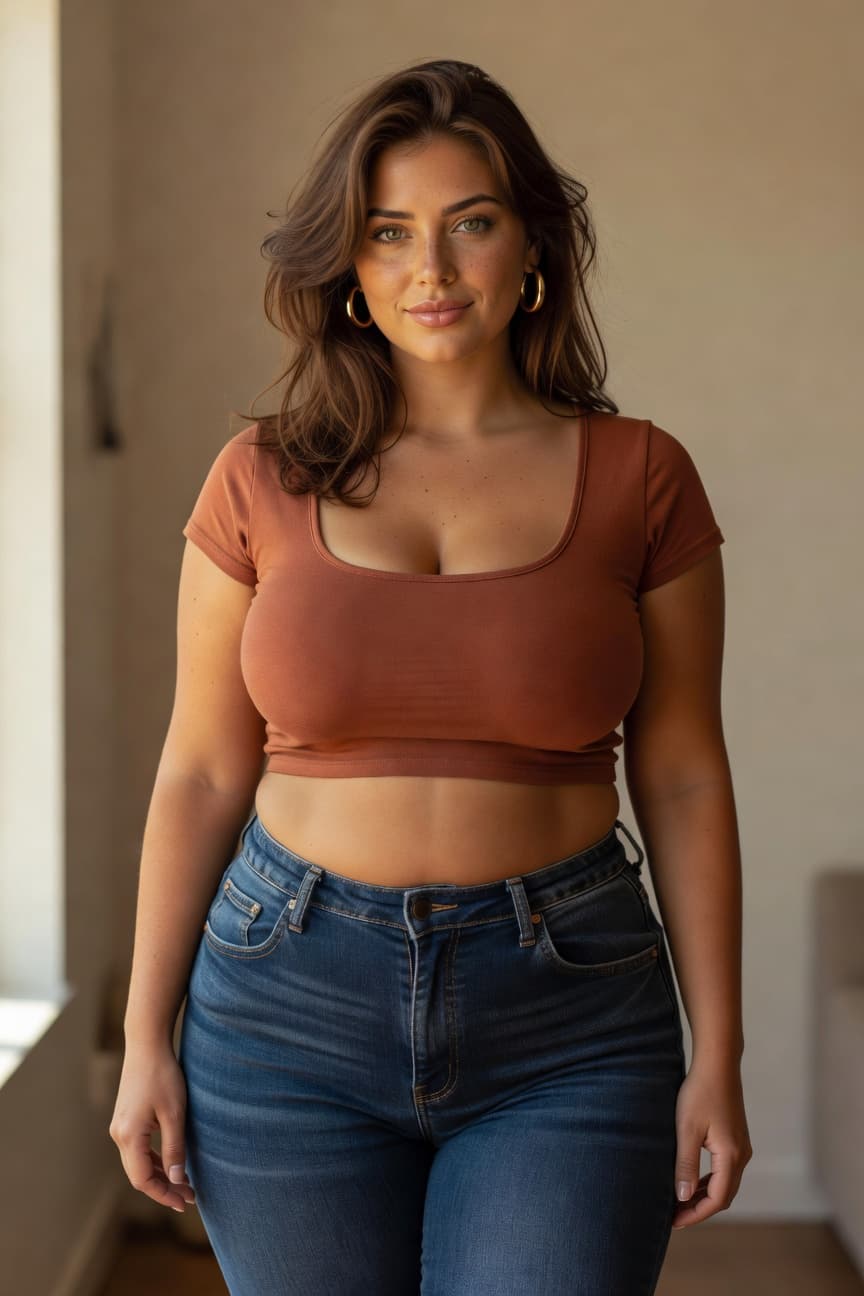
Hannah
“hey — want to pick this up over here? i'm around and the first chat is free, no signup.”
Reply to Hannah →What edit preserves vs. what it changes
A rough mental model:
Preserved: her face, her hair style and color, her body, the scene (location, time of day, lighting), anything else you didn't mention. If you didn't say "change her hair," her hair stays.
Changed: anything you explicitly named in the instruction. You can name as many things as you want in one instruction — three in the Dunkin example, up to five or six stacked changes works reliably. More than that and the model starts to dilute.
Best for: outfit swaps (color, style, specific garments), pose adjustments (side view, standing up, sitting down), what she's holding, background details (remove the person behind her, change the restaurant to a bar), framing (zoom out, zoom in on her face).
Weaker at: changes that would require a fundamentally different composition ("turn this into a close-up of her hands"), or changes that conflict with the rest of the scene ("put her in a bikini on this snow-covered sidewalk" — she'll do it but it'll look wrong).
Stacks with everything else
Edit-a-photo isn't a separate mode — it's a path that layers on top of every other photo you can generate on Sloane. Generated a template photo and the outfit is wrong? Edit it. Took her on a date and the drink in her hand should be whiskey not wine? Edit it. Did an invite-a-friend two-shot and one of them is in the wrong pose? Edit it.
And because Sloane's identity anchor holds through edits, every edited photo still looks like her. See the same-face-across-photos guide for more on how that works.
Try it free
Free tier gives you access to the chat, the template gallery, and the photo-edit path. Generate a photo and then tell her what to change about it. Start with any girl on the roster — Hannah's a good first pick.
Part of the same set of features we cover in the overview of the most fun AI girlfriend app in 2026. The other related ones: taking her on a virtual date and inviting another girl into a photo.